How to Generate HTML Sitemap: A Complete Beginner-to-Advanced Guide
Understanding how to create an HTML sitemap is an important skill for anyone who manages a website. Whether you run a blog, a business site, or an eCommerce platform, having a clear HTML sitemap can greatly improve user navigation and boost your website’s performance. An HTML sitemap serves as a guide for visitors, helping them find key pages quickly. It also helps with search engine optimization by improving internal linking and making your site easier to navigate. In this guide, you will learn everything from the basics to more advanced techniques for generating HTML sitemaps effectively.
What is an HTML Sitemap?
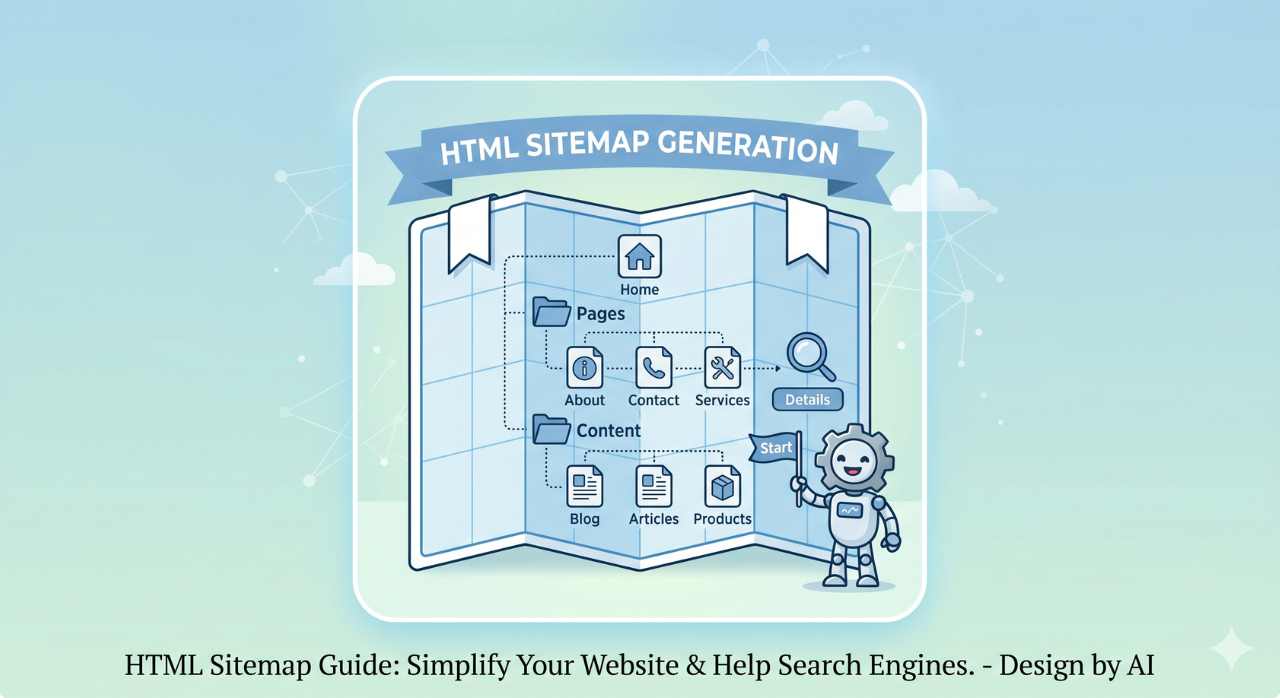
An HTML sitemap is a webpage that lists all the important links on your website in a clear, user-friendly way. Unlike XML sitemaps, which are made for search engines, HTML sitemaps are mainly for human visitors.
Usually, an HTML sitemap is arranged in a hierarchy. It displays categories and subcategories of content. This setup helps users see how your website is organized and find the information they need without getting lost.
<ul>
  <li><a href="/">Home</a></li>
  <li>Blog
    <ul>
      <li><a href="/blog/post-1">Post 1</a></li>
      <li><a href="/blog/post-2">Post 2</a></li>
    </ul>
  </li>
  <li><a href="/contact">Contact</a></li>
</ul>
Why Learning How to Generate HTML Sitemap Matters
Knowing how to create an HTML sitemap offers several benefits that go beyond simple navigation:
- First, it improves user experience by providing a clear overview of your website. Visitors don’t have to rely only on menus or search bars; they can access everything from one page.
- Second, it helps SEO by enhancing internal linking. When pages are properly linked through a sitemap, search engines can crawl and index them more efficiently.
- Third, it reduces bounce rates. When users can easily find what they are looking for, they are more likely to stay longer on your site.
- Finally, it is especially useful for large websites with complex structures, where navigation can otherwise become confusing.
How to Generate HTML Sitemap Manually
If you desire complete control over your sitemap, constructing it manually is an excellent choice. Begin by compiling a list of all the key pages on your site. Concentrate on high-priority pages such as your homepage, service offerings, blog articles, product listings, and contact information. Steer clear of including duplicate or low-importance pages.
Subsequently, categorize these pages for better organization. For instance, place blog articles under a “Blog” category and services under a “Services” category. This hierarchical arrangement enhances the readability of your sitemap.
Next, generate a new HTML page on your site, generally titled “sitemap.html.” On this page, insert your links using basic HTML list elements. A nested list format is most effective for displaying categories and their subcategories.
Once you have added the links, apply basic CSS to format the page to ensure it appears neat and organized.
How to Generate HTML Sitemap Using Tools
If you desire complete control over your sitemap, constructing it manually is an excellent choice. Begin by compiling a list of all the key pages on your site. Concentrate on high-priority pages such as your homepage, service offerings, blog articles, product listings, and contact information. Steer clear of including duplicate or low-importance pages. Subsequently, categorize these pages for better organization. For instance, place blog articles under a “Blog” category and services under a “Services” category. This hierarchical arrangement enhances the readability of your sitemap. Next, generate a new HTML page on your site, generally titled “sitemap.html.” On this page, insert your links using basic HTML list elements. A nested list format is most effective for displaying categories and their subcategories. Once you have added the links, apply basic CSS to format the page to ensure it appears neat and organized.
Best Practices for HTML Sitemap Creation
When creating an HTML sitemap, it's essential to adhere to best practices for maximum effectiveness.
- Keep your sitemap straightforward and well-structured. Don't overwhelm visitors with too many links on one page; instead, categorize related content in a logical manner.
- Always utilize clear and descriptive link text. This aids users in understanding the destination of each link and enhances accessibility.
- Periodically update your sitemap. Whenever you add or delete pages, ensure that your sitemap reflects those modifications.
- Make certain that your sitemap is optimized for mobile use. A significant number of users browse websites on mobile devices, so your sitemap should be easy to navigate on smaller screens.
- Finally, steer clear of broken links. Regularly verify your sitemap to ensure all links are operational and current.
Common Mistakes to Avoid
Many newcomers encounter several typical pitfalls while trying to create an HTML sitemap.
- One significant error is the inclusion of excessive pages, particularly those that are low-value or duplicated. This can clutter the sitemap and create confusion for users.
- Another common oversight is an inadequate structure. A sitemap lacking a clear hierarchy undermines its intended purpose and complicates navigation.
- Failing to keep the sitemap updated is also a frequent problem. An obsolete sitemap may direct users to pages that no longer exist, adversely impacting user experience.
- Lastly, some website owners overlook placing the sitemap in an easily accessible location, making it challenging for users to locate it.
HTML Sitemap vs XML Sitemap
You need to know the difference between XML and HTML sitemaps.
An HTML sitemap is made for people who use your site, so they can find their way around easily. It looks and works like a normal webpage.
On the other hand, search engines make an XML sitemap. It makes it easier for search engines to find and index your pages.
It's important to use both types of sitemaps together for the best results in terms of SEO and usability.
Advanced Tips for Better HTML Sitemaps
You can use more advanced methods to improve performance once you know the basics of how to make an HTML sitemap.
If your website is very big, you might want to make more than one sitemap page. This keeps things from getting too crowded and makes them easier to read. You can also use visual emphasis or put important pages at the top of the sitemap to make them stand out.
Adding short descriptions to important parts can make it even easier to use, especially for people who are new to the site.
Another advanced method is to use dynamic sitemaps that automatically update when new content is added.
Conclusion
Learning how to make an HTML sitemap is a good way to make your website easier to use and better for search engines. A sitemap that is well-organized not only makes it easy for users to find their way around your content, but it also helps search engines crawl your site more effectively.
It doesn't matter if you make your sitemap by hand or with automated tools; the most important thing is to keep it organized, up-to-date, and easy to use. This guide will show you how to make an HTML sitemap that improves both the user experience and the performance of your website.